
Download VA - Build Your AI Assistant – AI assistant, 3D avatar, personal assistant, chatbot, digital companion, AI tool, AI companion, virtual assistant, Oscova Bot Composer, custom AI
Overview
VA - Build Your AI Assistant is a productivity-focused mobile application designed to empower users with the tools needed to create a personalized digital companion. The app positions itself as a platform for constructing intelligent, interactive AI assistants using advanced 3D avatars and natural language processing. By leveraging the Oscova Bot Composer, the app enables users to design custom AI experiences without requiring programming expertise. The primary purpose of VA is to shift away from generic, one-size-fits-all chatbots by offering a more immersive and individualized interaction model.
Target users include tech-savvy individuals, digital creators, and professionals seeking enhanced productivity through customized AI support. The app may be particularly useful for content creators, educators, and entrepreneurs who benefit from tailored digital assistants for managing schedules, generating content, or delivering interactive customer experiences. The integration of 3D avatars and speech recognition suggests real-world applications in education, customer service, and personal task management.
Developed by Oscova, the app enters a growing market of AI-driven personal tools, aiming to differentiate itself through user-centric design and creative customization. Although the developer did not provide additional technical details about the underlying AI models or data handling practices, the focus on personalization and visual engagement highlights a strategic emphasis on user experience within the evolving AI assistant ecosystem.
Key Features & Functionality
VA - Build Your AI Assistant offers a suite of features designed to facilitate the creation of a unique AI companion. Each component is engineered to enhance both functionality and user engagement.
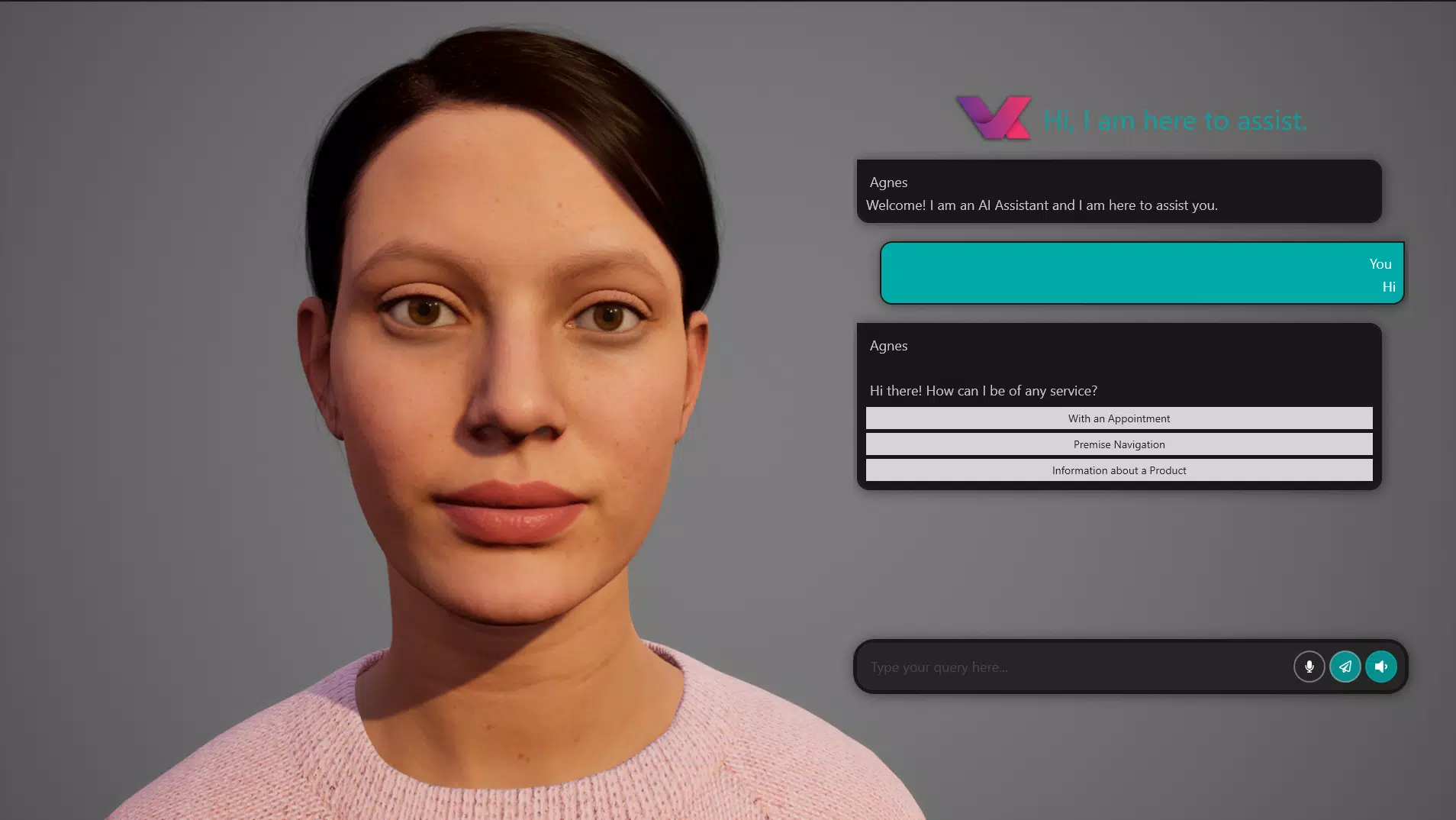
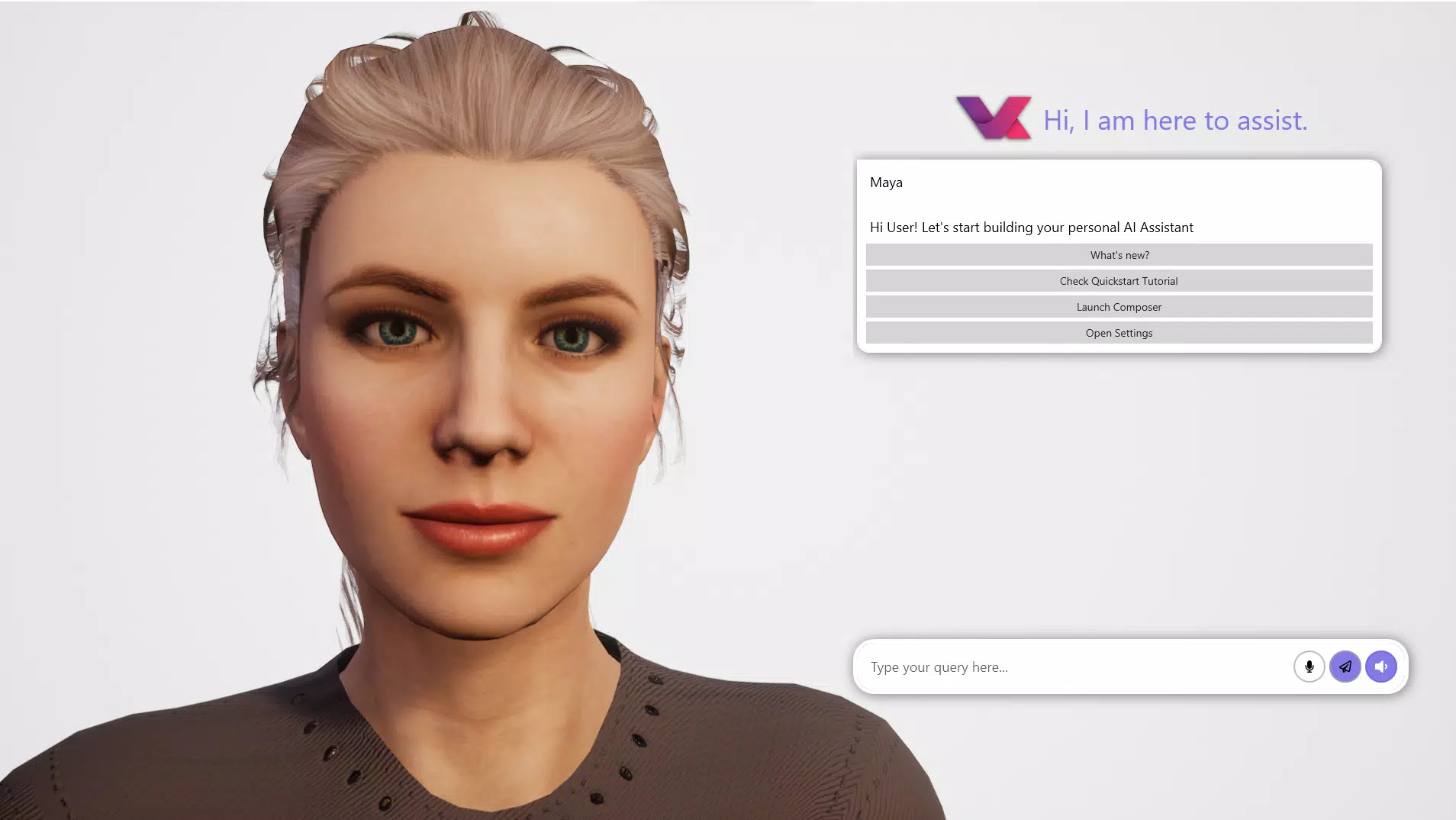
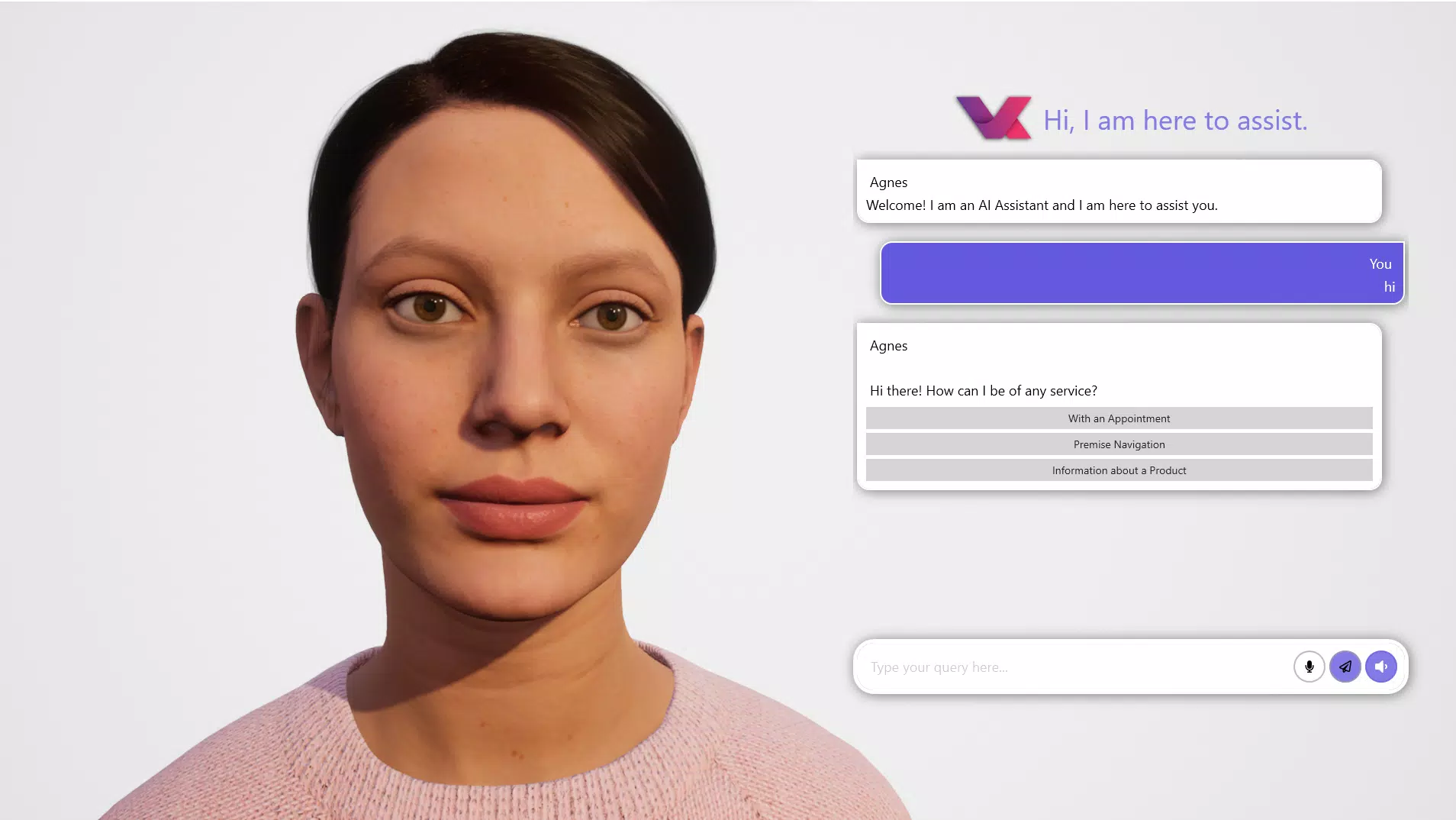
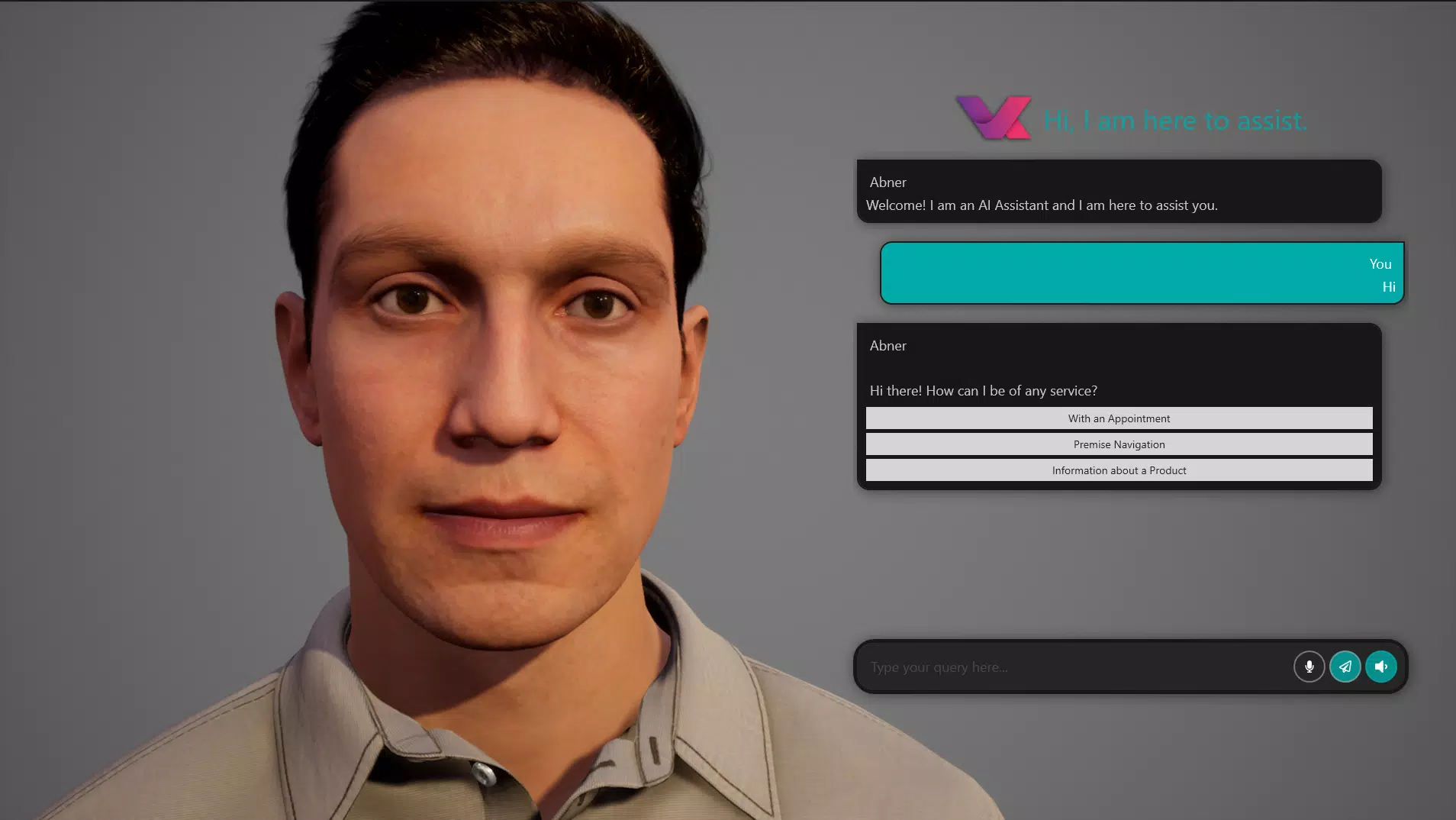
- 3D Avatars: The platform supports immersive 3D avatars that users can select or customize to represent their AI assistant. These avatars add a visual and emotional dimension to interactions, making conversations feel more dynamic and human-like.
- Speech Recognition & Synthesis: Built-in capabilities allow the assistant to understand spoken input and respond with natural-sounding voice output. This feature supports hands-free operation and enhances accessibility for users who prefer verbal interaction over typing.
- Low-Code/No-Code Tool (Oscova Bot Composer): This interface enables users to build and manage a knowledge base without writing code. It simplifies the process of defining responses, setting up workflows, and training the assistant on specific topics or tasks.
- Custom Plugin Interface: Users can extend the assistant’s functionality by developing or integrating custom plugins. This flexibility allows for tailored automation, third-party service integration, and specialized task execution.
- Personalized AI Experience: The app emphasizes individuality, enabling users to shape the assistant’s personality, tone, appearance, and behavior to match their preferences and use cases.
For example, a student could create an assistant with a friendly 3D avatar to help with study schedules and quiz generation. A small business owner might build a customer-facing assistant with custom plugins to handle order tracking and FAQs. These real-world applications demonstrate the app’s potential beyond simple task automation.
Interface, UX & Performance
The user interface of VA - Build Your AI Assistant appears to be structured around intuitive navigation, with a focus on visual clarity and ease of access to core tools. The design likely prioritizes workflow efficiency, especially when using the Oscova Bot Composer, which is central to the app’s functionality. Users can expect a clean layout that organizes features such as avatar selection, speech settings, plugin management, and knowledge base editing into logical sections.
Navigation is expected to follow a consistent pattern, allowing users to switch between design and testing modes seamlessly. The integration of 3D avatars suggests the use of real-time rendering, which may impact performance on lower-end devices. However, the developer did not list formal performance metrics or device compatibility thresholds.
Although the developer did not list formal performance metrics, the app’s responsiveness and stability are likely influenced by the device’s processing power and available RAM. On modern Android devices, users can expect smooth transitions between interface elements and minimal lag during voice interaction. The app’s file size of 75.2 MB indicates a moderate footprint, suggesting efficient resource management.
Overall, the user experience seems tailored toward creative and technical users who value customization and control. The interface’s design supports iterative development, allowing users to test and refine their AI assistant in real time.
Platform Compatibility & Technical Requirements
VA - Build Your AI Assistant is available on the Android platform. The current version is 1.1.0, and the app has a file size of 75.2 MB. This indicates a relatively lightweight installation that should fit on most Android devices with standard storage capacity.
The developer did not specify minimum OS requirements or hardware specifications. As such, compatibility with older Android versions or low-end devices cannot be confirmed. Users should verify that their device meets the system requirements before downloading.
Given the app’s use of 3D rendering and voice processing, optimal performance is likely to be achieved on devices with modern processors, sufficient RAM, and access to high-quality microphones and speakers. However, no official benchmarks or device recommendations were provided.
For users seeking to install the app, it is recommended to download the latest version directly from the official source to ensure access to the most recent features and security updates.
Pros and Cons
Pros
- Offers a unique platform for creating personalized 3D AI companions
- Includes a low-code/no-code tool for easy knowledge base creation
- Supports custom plugin development for extended functionality
- Features natural speech recognition and synthesis for intuitive interaction
- Designed with user customization and visual engagement in mind
Cons
- Developer did not disclose minimum OS or hardware requirements
- Price point of $4.99 may be considered high for a tool with limited public reviews
- Performance on older or low-end Android devices is unknown
- No information provided about data privacy or cloud storage practices
- Limited availability—currently only on Android, with no iOS version announced
FAQ
Is VA - Build Your AI Assistant available for iOS?
The app is currently available only on Android. There is no official information about an iOS release at this time.
Can I use VA without programming knowledge?
Yes. The Oscova Bot Composer is designed as a low-code/no-code tool, allowing users to build and manage their AI assistant without requiring coding experience.
What devices can run VA - Build Your AI Assistant?
The developer did not specify minimum device requirements. The app’s 75.2 MB size suggests compatibility with most modern Android devices, but performance may vary depending on hardware.
Is the app secure?
The developer did not provide details about data encryption, privacy policies, or cloud storage practices. Users are advised to review the app’s permissions and terms of service before use.
How often is VA updated?
The latest version is 1.1.0, released on August 8, 2024. No information was provided about the frequency of future updates.
Final Thoughts
VA - Build Your AI Assistant presents a compelling opportunity for users who want to move beyond standard chatbots and create a truly individualized digital companion. Its combination of 3D avatars, natural speech interaction, and a flexible plugin system offers a level of customization rarely seen in mainstream productivity apps. The low-code approach lowers the barrier to entry, making advanced AI personalization accessible to non-developers.
While the app’s $4.99 price tag and lack of transparency around system requirements may raise questions, its innovative design and focus on personalization position it as a forward-thinking tool in the AI assistant space. For creators, educators, and professionals seeking a dynamic, interactive assistant that evolves with their needs, VA delivers tangible value.
Download VA - Build Your AI Assistant now


